MetaTrader 4 Platform Overview for Nigerian Traders
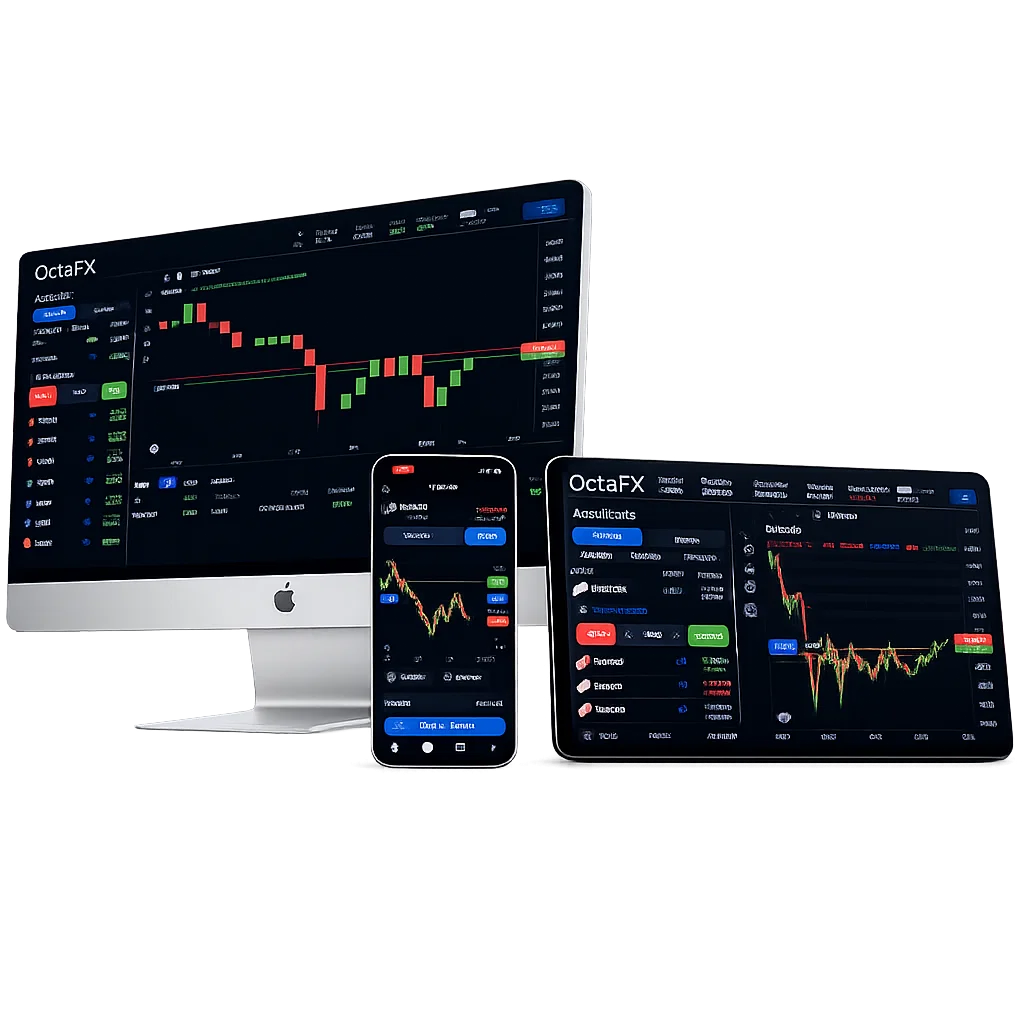
Our company delivers MetaTrader 4 to Nigerian clients with complete access to forex and CFD trading. The platform connects seamlessly to our Nigerian-optimized servers, ensuring low latency and swift execution. MetaTrader 4 is compatible with desktop, web, and mobile, supporting Windows, macOS, Android, and iOS. Minimum system requirements include 512MB RAM and 50MB storage for desktop installs. We provide access to over 40 currency pairs and several commodities, with fast order processing measured in milliseconds.
| System Requirements | Minimum Specifications | Recommended Specifications |
|---|---|---|
| Windows OS | Windows 7 (32/64-bit) | Windows 10/11 (64-bit) |
| RAM Memory | 512MB | 2GB or higher |
| Storage Space | 50MB | 200MB available |
| Internet Connection | Broadband | High-speed broadband |
| Screen Resolution | 1024×768 | 1920×1080 or higher |
We include Expert Advisors and custom indicators within the platform, enabling automated and algorithmic trading. Nigerian traders benefit from multiple account currencies and flexible leverage options. Our infrastructure supports real-time quotes for forex and CFDs, including indices and commodities. The platform’s interface is user-friendly with multi-language support including English tailored for Nigeria.
Account Setup Process Through OctaFX Nigeria
Opening an account with OctaFX Nigeria starts with visiting our official website and selecting the registration form. Nigerian users must provide valid local identification documents for verification. Accepted IDs include National Identity Card, driver’s license, or international passport. We require proof of address dated within three months to comply with Nigerian regulations.
Initial Registration Steps
Fill in your full name, email, and create a secure password with at least 8 characters including uppercase letters and numbers. Specify Nigeria as your country to ensure correct regional settings. Confirm your email by clicking the activation link sent immediately after form submission.
Document Verification Requirements
Upload high-resolution images (JPEG, max 10MB) of your ID and proof of residence. Our verification team processes documents within 48 hours on business days. Once approved, you gain full access to trading and financial operations including deposits and withdrawals. Verification enhances account security and allows higher leverage limits.
MetaTrader 4 Download and Installation Guide
To start trading, download MetaTrader 4 for your preferred device from your OctaFX Personal Area or our website. Installation files are available for Windows, macOS, Android, and iOS. Ensure your device meets minimum requirements and has an active internet connection during setup.
Desktop Installation Process
Download the MT4 installer and run it with administrator rights on Windows. Follow the installation wizard, accept terms, and choose the default directory for ease. The setup preloads OctaFX server addresses and trading instruments for immediate connection.
After installation, launch MetaTrader 4 and input your account number and password. Select the correct OctaFX server: either Real or Demo based on your account type. The platform will sync your account and display live market data.
Mobile App Setup Instructions
Install MetaTrader 4 from Google Play or Apple App Store. Open the app, select “Login to existing account,” then enter your credentials and choose the OctaFX server. The app will synchronize with your desktop account, allowing seamless trading on the go.
Trading Account Configuration and Management
OctaFX offers multiple account types suitable for Nigerian traders: Standard, Pro, and ECN. Each account type supports different leverage levels up to 1:1000 depending on verification status. Account currencies include USD, EUR, and GBP, allowing you to trade globally without conversion fees.
Customize your trading environment by adjusting chart templates, enabling one-click trading, and setting up price alerts. One-click trading accelerates order execution during volatile periods. Manage stop loss and take profit parameters for risk control.
- Real-time price updates with 5-digit precision
- Flexible trade sizes from micro lots upwards
- Comprehensive trade history and reports
- Integration of Expert Advisors for automated strategies
- Cross-device synchronization for seamless experience
Platform Features and Trading Tools
MetaTrader 4 on OctaFX includes advanced charting and analytic tools for Nigerian traders. Choose from nine timeframes ranging from 1 minute to monthly views. The platform supports candlestick, bar, and line charts with customizable colors and layouts.
Advanced Charting Capabilities
Apply over 30 built-in technical indicators simultaneously for detailed market analysis. Indicators such as Moving Average, RSI, MACD, and Bollinger Bands are fully adjustable. Save your preferred chart configurations as templates for recurring use.
| Trading Tools | Standard Features | Advanced Options |
|---|---|---|
| Chart Types | Candlestick, Bar, Line | Custom timeframes |
| Technical Indicators | 30+ built-in indicators | Custom indicator support |
| Drawing Tools | Trend lines, channels | Fibonacci retracements |
| Order Types | Market, Pending, Stop | Trailing stops |
| Expert Advisors | Basic EAs included | Custom EA development |
Order Execution and Management
Execute market and pending orders instantly using the one-click trading feature. Modify open positions with adjustable stop loss and take profit levels. Real-time tracking of open trades and balance is visible in the Terminal window. Partial position closure is supported for flexible trade management.
Expert Advisors and Automated Trading
We provide full support for Expert Advisors (EAs) within MetaTrader 4, enabling automated trading strategies. EAs can be installed or coded using MQL4 within the platform. Configure EA parameters including risk, lot size, and trading hours via the Navigator panel.
Always test EAs on demo accounts before live deployment to optimize settings. Our Nigerian servers enable uninterrupted EA operation during market hours. Multiple EAs can run simultaneously on a single account, providing diversified automation.
- Continuous EA operation during market hours
- Integration with custom indicators and signals
- Risk management features like max drawdown limits
- Detailed performance logs accessible in Experts tab
- Remote EA management via mobile apps
Security and Account Protection Measures
OctaFX enforces strong security protocols for MetaTrader 4 accounts. All data transfers are encrypted with 256-bit SSL encryption. We recommend enabling two-factor authentication (2FA) via SMS or authenticator apps for additional login protection. Account access is monitored continuously with alerts for suspicious activity.
Data Protection and Privacy
Your personal and trading data are stored on secure servers with regular backups. Our data handling complies with Nigerian and international privacy standards. Account access logs include IP addresses and device details, accessible through your Personal Area.
| Security Features | Protection Level | Implementation |
|---|---|---|
| SSL Encryption | 256-bit encryption | All data transmission |
| Two-Factor Authentication | Enhanced login security | SMS/App verification |
| Account Monitoring | Real-time activity tracking | Automated alerts |
| Data Backup | Regular server backups | Multiple locations |
| Privacy Compliance | International standards | Nigerian regulations |
Customer Support and Technical Assistance
Our Nigerian traders receive 24/7 technical support via live chat, email, and phone. Support is available during Nigerian business hours with local time zone alignment. Assistance includes platform installation, account setup, and troubleshooting MetaTrader 4 features.
Access our knowledge base for tutorials, FAQs, and detailed user manuals. Submit tickets through your Personal Area for complex issues requiring deeper investigation. Remote desktop support and video calls are available for installation and configuration help.
- 24/7 live chat accessible on website and platform
- Email support with responses within 24 hours
- Phone support during Nigerian business hours
- Remote desktop assistance for technical issues
- Educational webinars on advanced platform functions
- Step-by-step guidance for MetaTrader 4 use